

Step 1
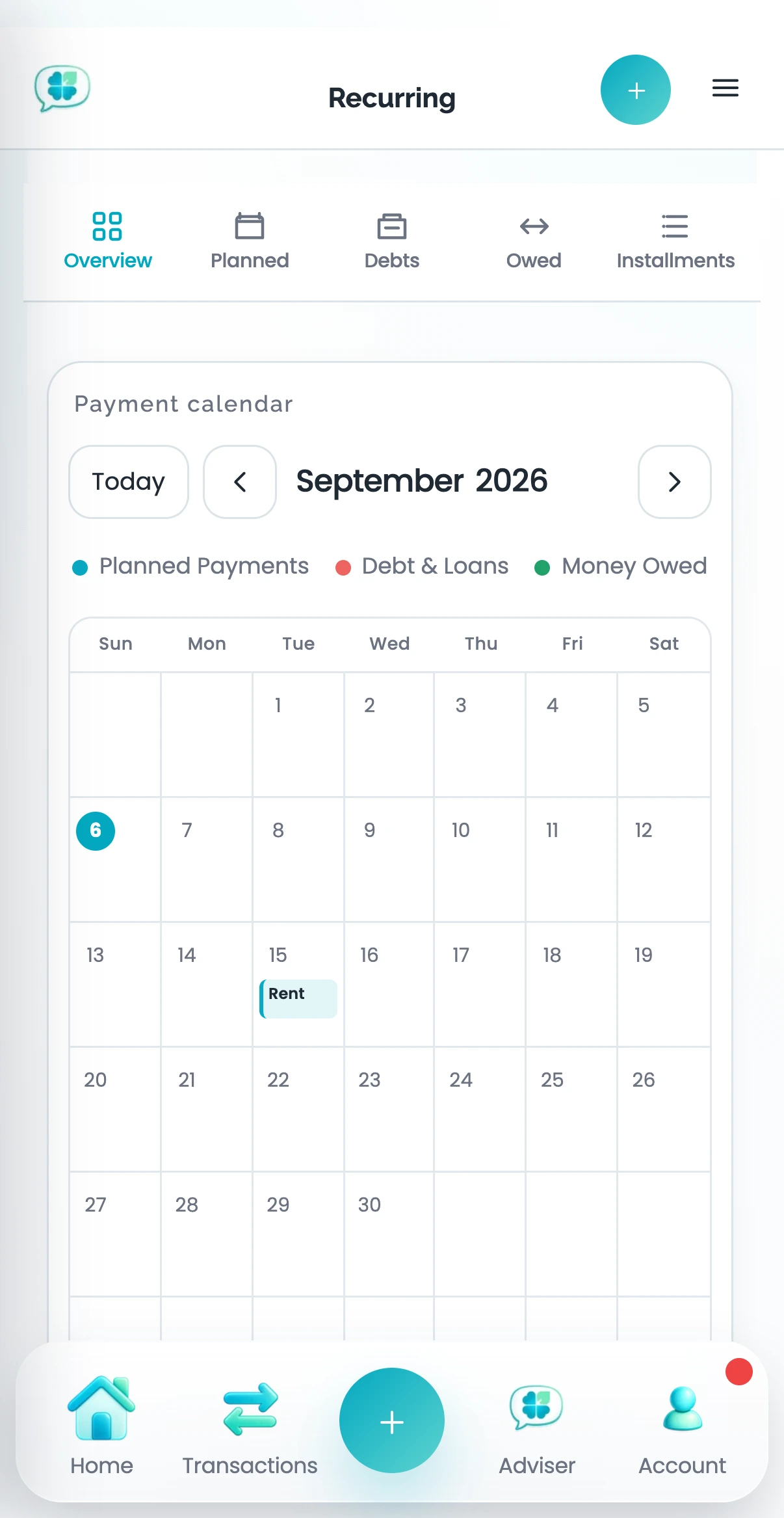
Open Recurring.
Step 2
Review the amount, timing, and merchant Clover noticed.
Step 3
Confirm the pattern or dismiss it if it is not truly recurring.
Common questions
How does Clover find recurring activity?
Clover looks for repeated transaction patterns such as similar merchants, amounts, and timing. A suggestion is not treated as confirmed until you review it.
What happens when I dismiss a recurring suggestion?
Clover removes that suggestion from your active recurring view. Dismissing it does not delete the original transactions.
Why is a recurring payment missing?
The history may be too short or the amount and timing may vary too much. Add the commitment manually or import more history, then review the recurring suggestions again.
Related help
Was this article helpful?