

Gather records for the same period
Choose a month and collect statements or exports for the accounts and wallets you want to include. Make a small checklist with the account, currency, and dates covered. Missing weeks can make spending look lower than it really was.
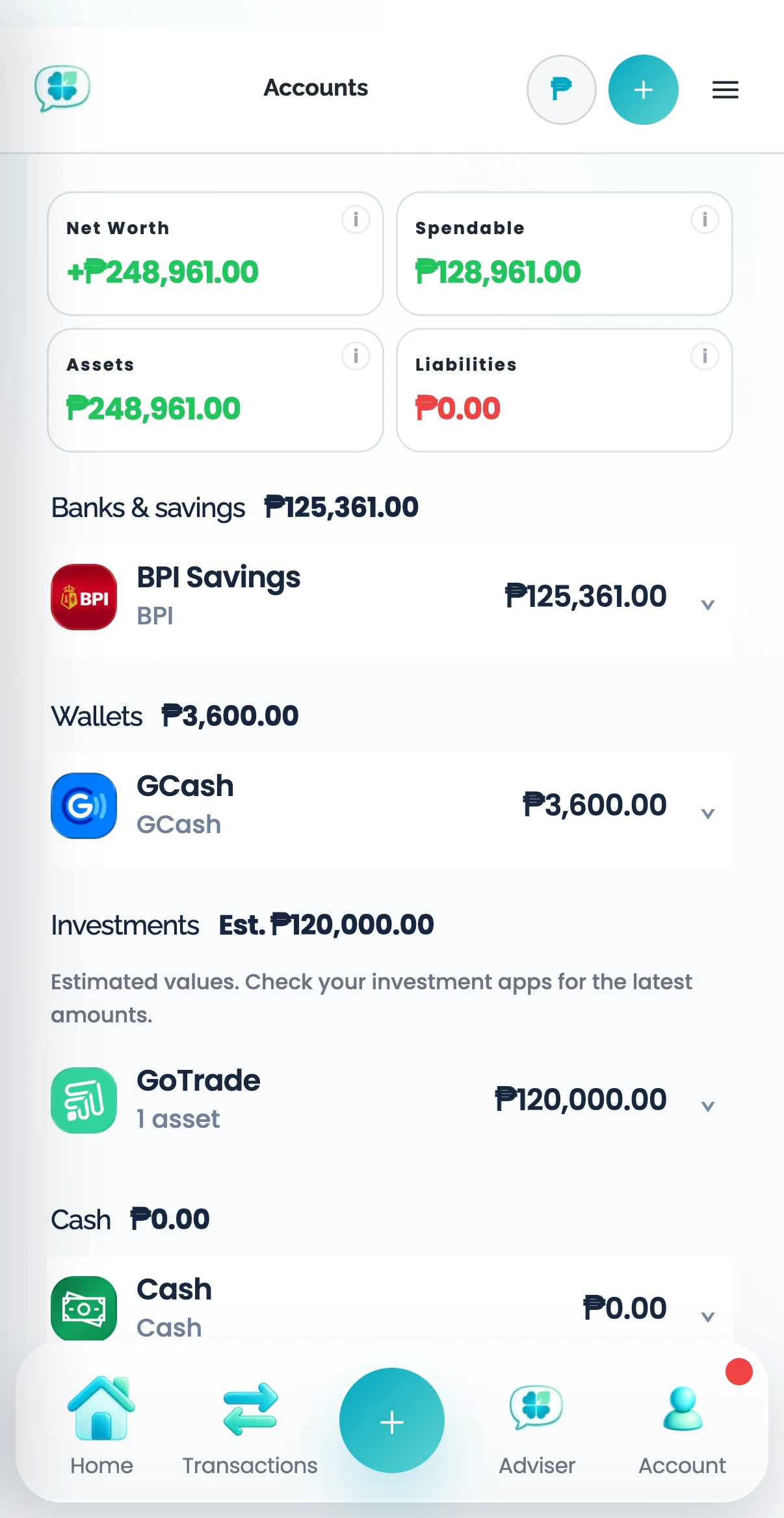
Keep accounts separate within one Profile
Use one Clover Profile for the financial picture you want to understand together. Upload the records and check that each belongs to the right account. Use clear account names so a wallet balance is not confused with a bank balance.
Review transfers and overlapping files
Money moving between your own accounts is not automatically new income or a purchase. Review both sides of transfers and any overlapping statement periods. Do not confirm two records simply because their descriptions differ.
Read the combined view
Use Transactions to search activity and Reports to understand changes. Check the date and currency filters before comparing totals. Return to the original records when something does not reconcile.
Common questions
Should I create one Profile per bank?
Not if you want those banks in one financial picture. Accounts distinguish banks and wallets within a Profile. Separate Profiles are useful when you want genuinely separate sets of finances.