

Move between pages
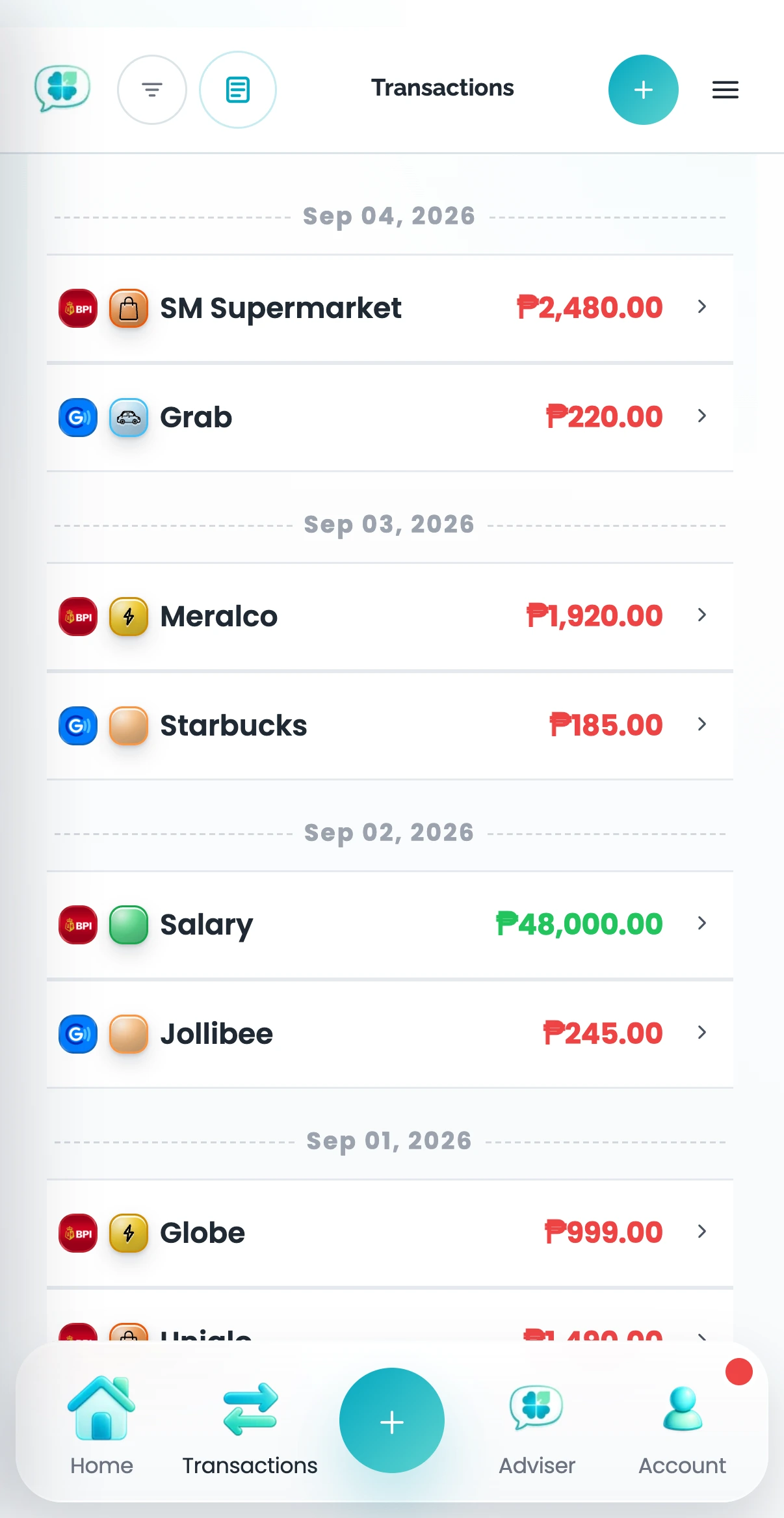
The bottom navigation gives you Home, Transactions, Ask Clover, and Account. Use the top-right menu to reach other Clover pages. A Back button appears at the top left when the current page has a parent.
Use page actions
Ask Clover appears without a surrounding button container where available. Page-specific add and currency controls appear near the menu. The available actions depend on the page.
Related help
Was this article helpful?