 CHASE STATEMENTPay day+ $6,800Whole Foods− $84National Grid− $192
 RECEIPTGroceries$84.20Tax$7.31Total$91.51
 PAYPAL EXPORTUber− $22Transfer received+ $300Streaming− $15
Months of finances.
Organized in minutes.
Connect supported banks, upload statements and receipts, or add details manually. Understand your money and take one clearer step at a time.
Start with what suits you.
Connect supported banks. Upload statements, receipts, screenshots, or spreadsheets. Add details manually. Choose what works for you.
| The old way | A simpler way |
|---|---|
| Jump between apps and files | 1. Bring together connect, upload, or add manually |
| Piece together your financial history | 2. Organize accounts and transactions in one place |
| Guess what changed in your finances | 3. Understand patterns, reports, and Ask Clover guidance |
| Make decisions without knowing what to do next | 4. Improve by acting on one clear recommendation at a time |
Your financial data stays under your control.
Your financial records are private, reviewable, and traceable. You can edit, export, or delete your data through your account.
Understand your finances.
Build better habits.
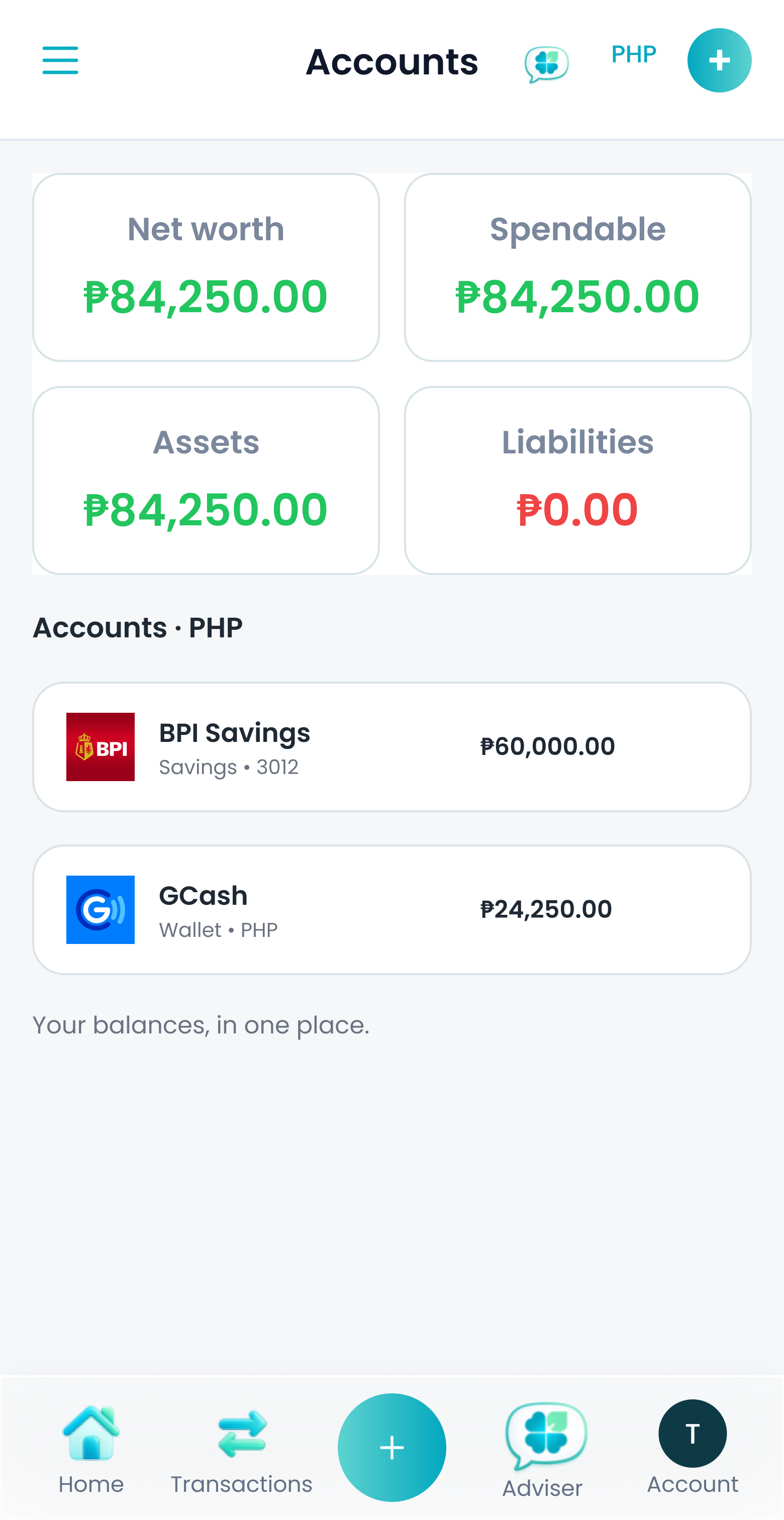
Your financial life in one view. Track accounts, balances, recurring obligations, investments, and trends across your accounts.

Ask what your money can make possible.
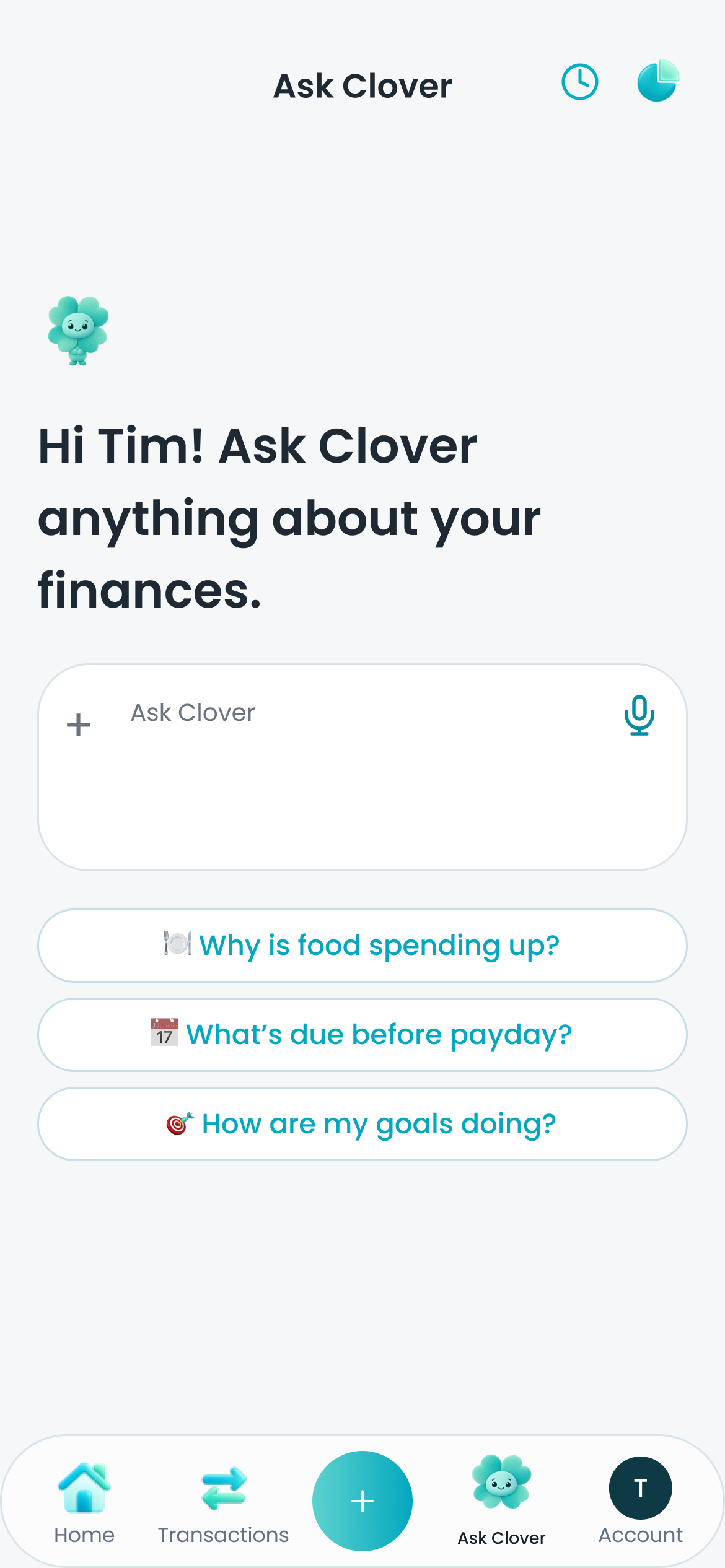
Your Ask Clover can tell you what you can safely spend, what changed this month, or assist you with creating budgets and goals.
Manage money together with less effort.
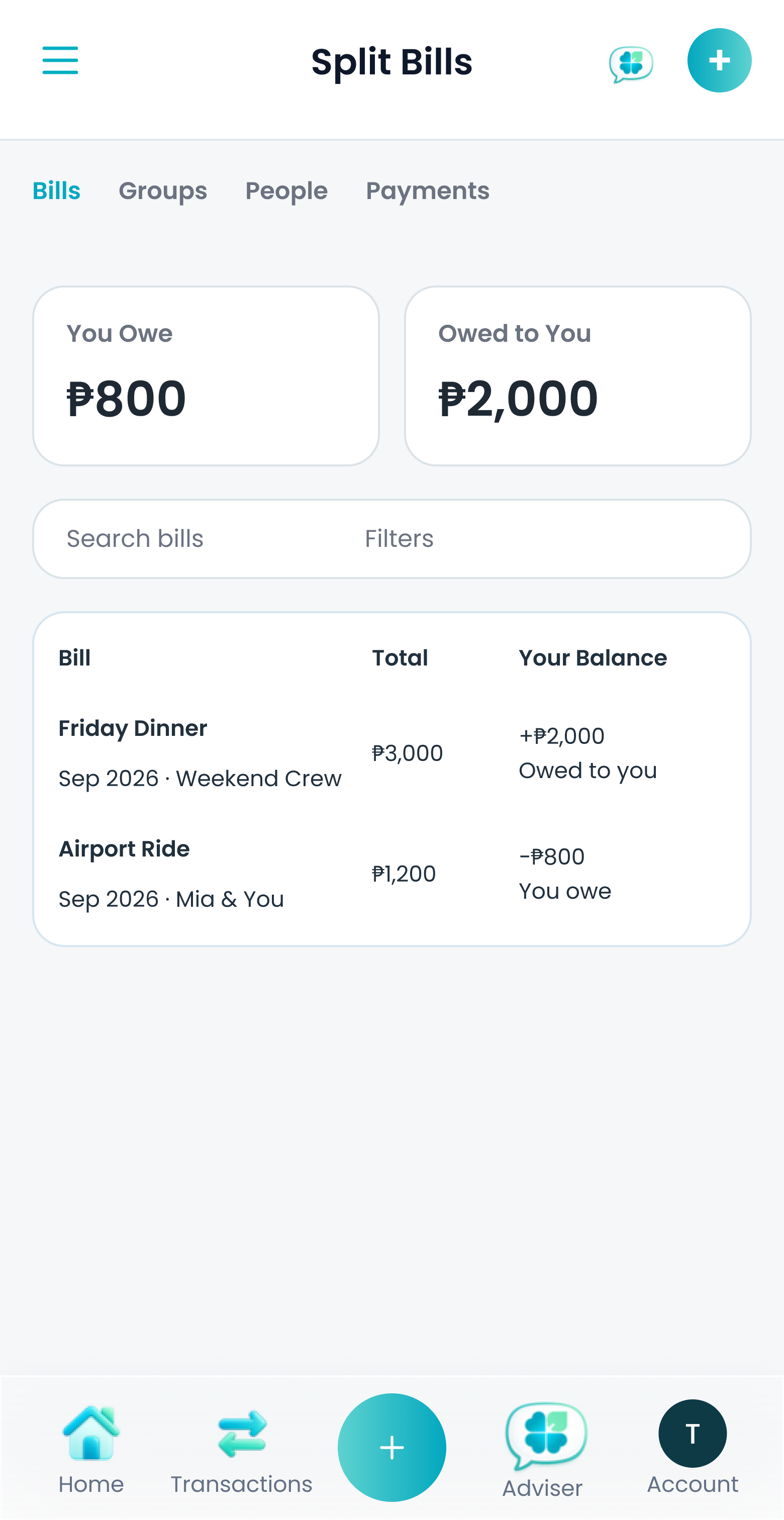
Split expenses with friends on Split Bills. Manage household expenses with a partner on Circles.
Do more when your finances get more complex.
Start free. Upgrade to Plus or Pro for connected bank accounts, higher limits, and more help from Ask Clover.
| Feature | Pro | Plus | Free |
|---|---|---|---|
| Monthly | US$12.99 | US$7.99 | Free |
| Yearly | US$99.99 | US$59.99 | Free |
| Ask Clover | Advanced | Advanced | Basic |
| Reports | Advanced | Advanced | Basic |
| Accounts | 40 | 20 | 10 |
| Linked Banks | 5 | 2 | 0 |
| Monthly AI Usage | 4 million | 1 million | 100,000 |
Feel clearer about your money, and more confident about what comes next.