

Step 1
Create or join a Circle.
Step 2
Review your role and the information shared with the group.
Step 3
Keep personal Profile data outside the Circle unless you choose to share it.
Common questions
What is a Circle?
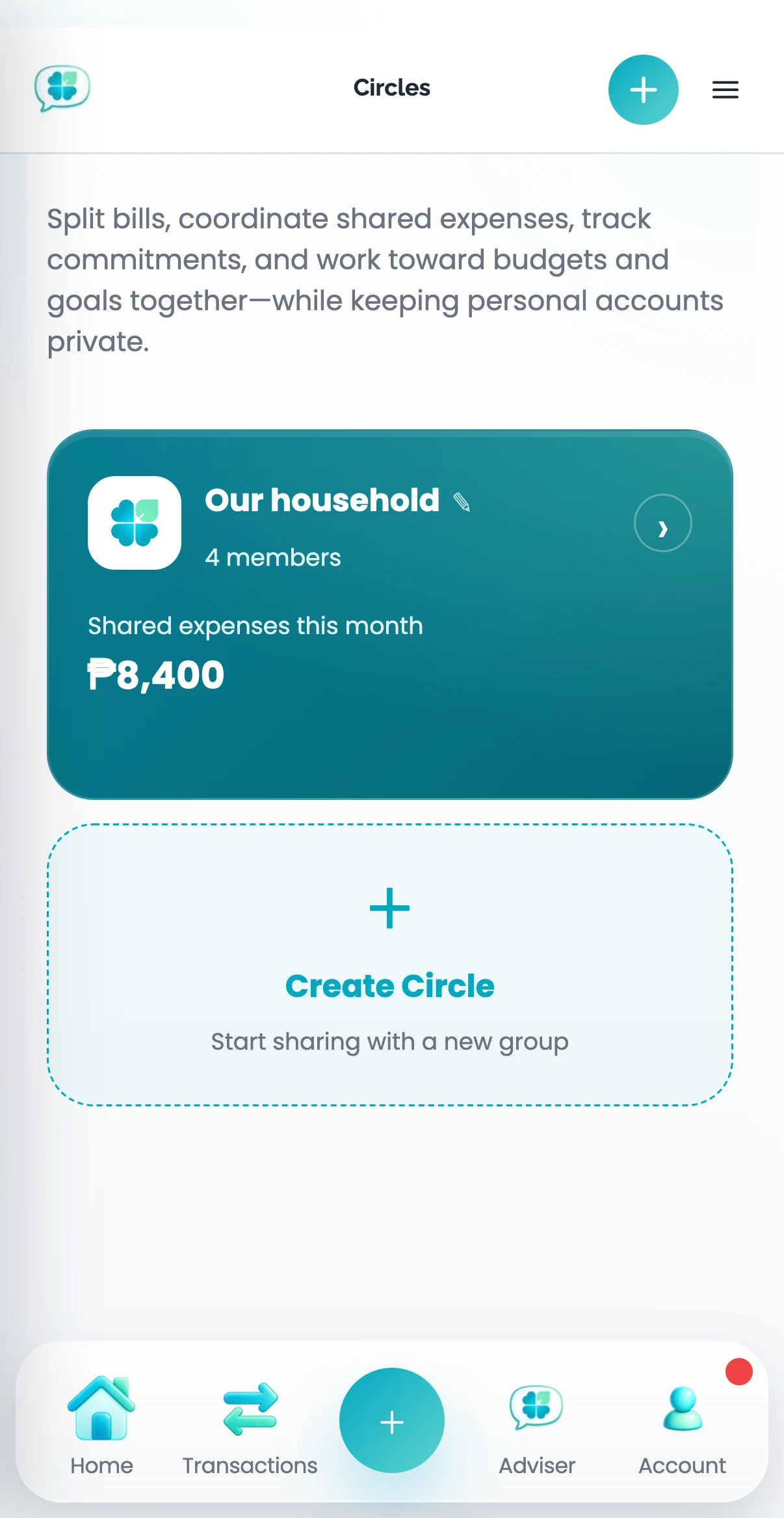
A Circle is a shared space for people managing money together. It can hold shared expenses, budgets, goals, commitments, and selected summaries without merging everyone’s private Profiles.
What can other Circle members see?
They can see information shared inside that Circle according to their role. They cannot automatically browse the accounts, transactions, or plans in your private Profiles.
What do Organizer, Member, and Participant mean?
Organizers manage the Circle and its access. Members can take part in the shared areas available to them. Participants can be included in shared expenses even when they do not need full Circle access.
How do invitations work?
An Organizer sends an invitation. The invited person joins with the intended role, and the Circle remains separate from their private Profile.